Your Xbox controller, on every platform
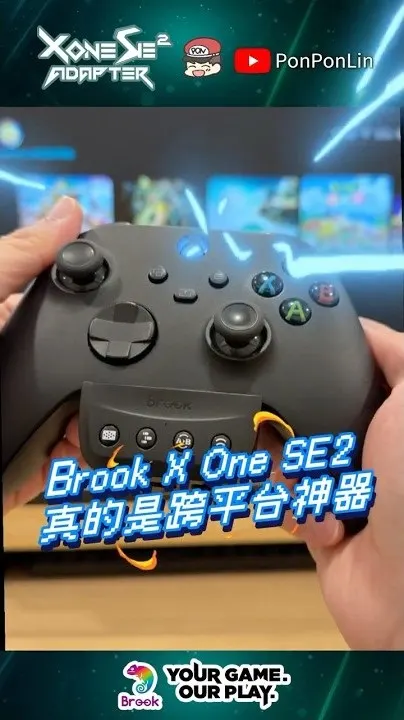
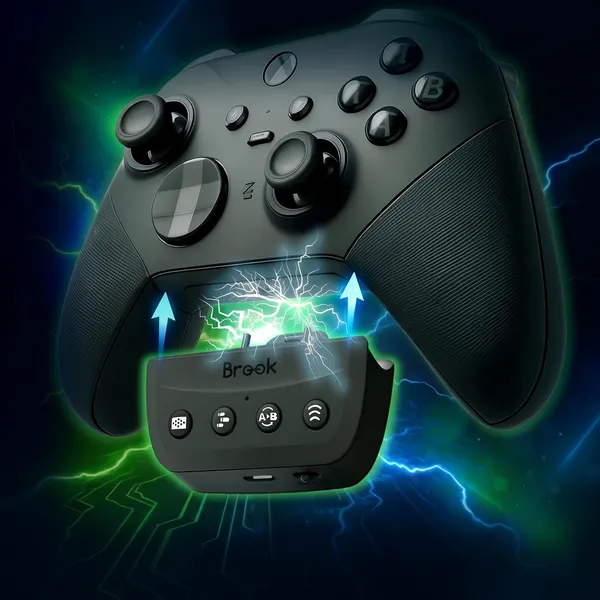
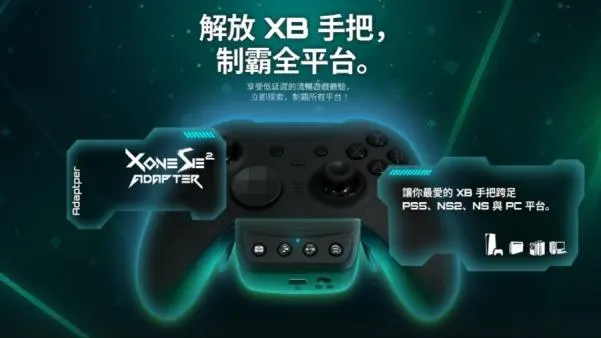
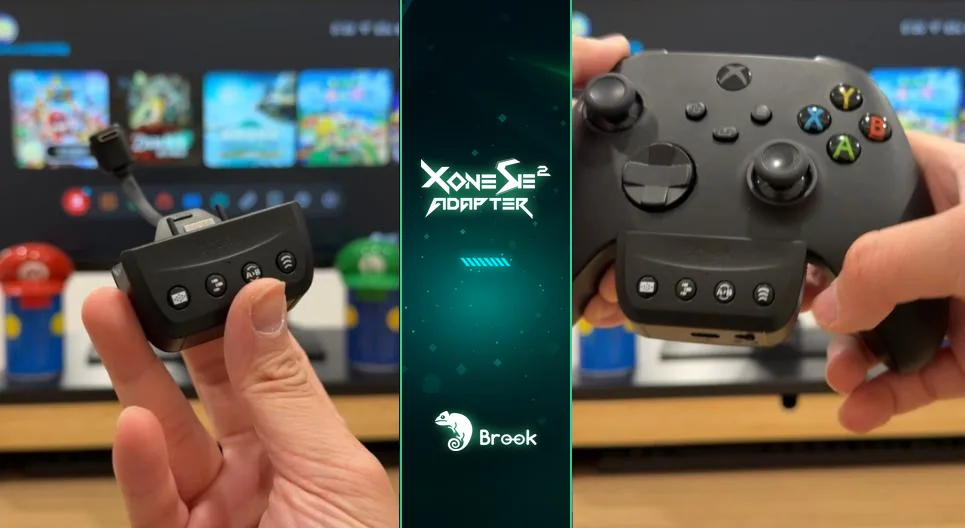
It's a shame to keep your favorite Xbox controller or Elite 2 on one platform. X One SE2 supports the Xbox Wireless Controller (USB-C version), Elite Series 2 and Elite Series 2 Core, and lets them play on PS5 and Switch 2. Modes switch with a slide switch, no PC needed. On Switch 2, connect by cable once to wake it, then unplug and play wireless.
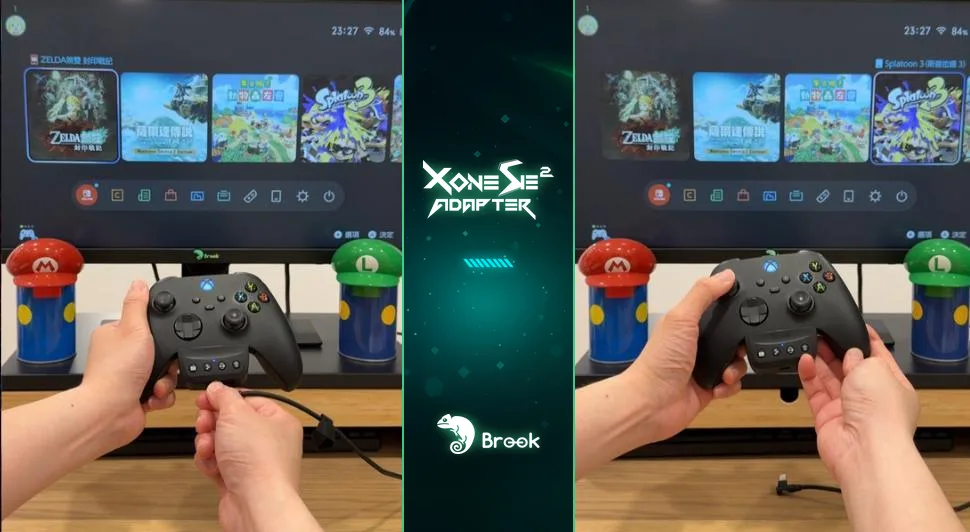
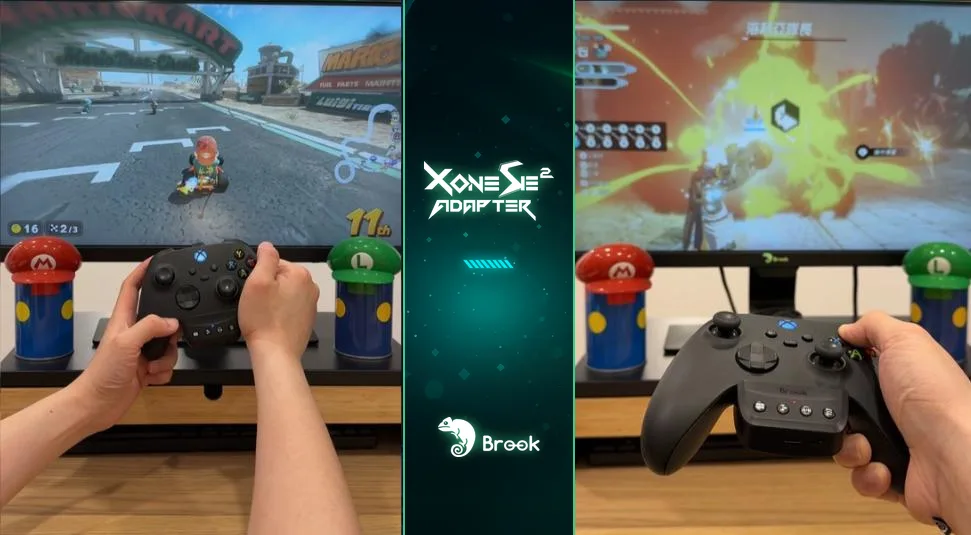
Switch 2 test: motion and hold
6-axis motion works, so Mario Kart World's motion steering is fine, and turbo plus remapping help in Hyrule Warriors: Age of Imprisonment. My favorite is the hold function: Pokémon Pokopia has a lot of rock smashing and tree chopping early on, and one press handles it.
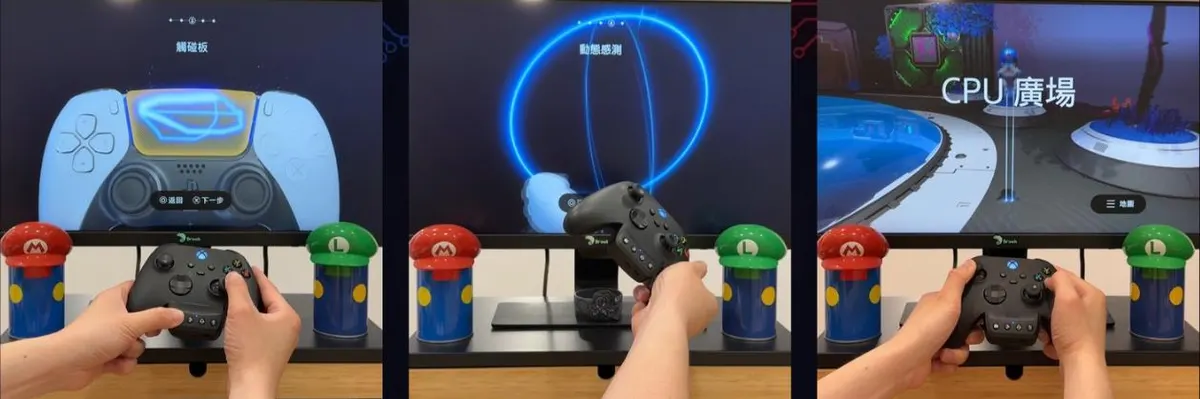
PS5: the touchpad works too
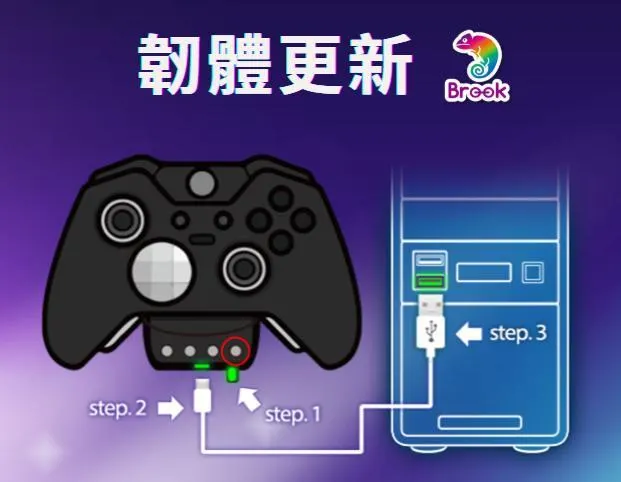
In PS mode, connect by cable once to register, then play wireless. Touchpad emulation through a button combo handles the swipe puzzles in Astro Bot. On Switch 2 the same button doubles as Home. Firmware updates come through Brook Converter Center.
Specs
| Controllers | Xbox Wireless Controller (USB-C), Elite Series 2, Elite Series 2 Core |
|---|---|
| Consoles | PS5, NS2 |
| Mode switching | Slide switch: PS / middle (off) / NS, no PC app |
| Motion | 6-axis |
| PS5 | Touchpad emulation (button combo) |
| Extras | Turbo, remapping, button hold (not in Xbox mode) |
| Rumble | Adjustable 30% / 100% / 200% |
| Firmware | Brook Converter Center |
PonPonLin's verdict
If you're loyal to the Xbox controller, one adapter saves you from buying a controller for every platform.
FAQ
Do I need it for PC?
No. PC and Xbox already support Xbox controllers; X One SE2 is for PS5 and Switch 2.
Is it wireless?
Yes. Pair once with a cable, then unplug and play.
How does the PS5 touchpad work?
Through a button combo that emulates the touchpad. It worked in Astro Bot.
Watch the Shorts test